Multicam Auto Edit presents

Podcast Multicam Studio

Automatic multicam podcast editing for Premiere Pro

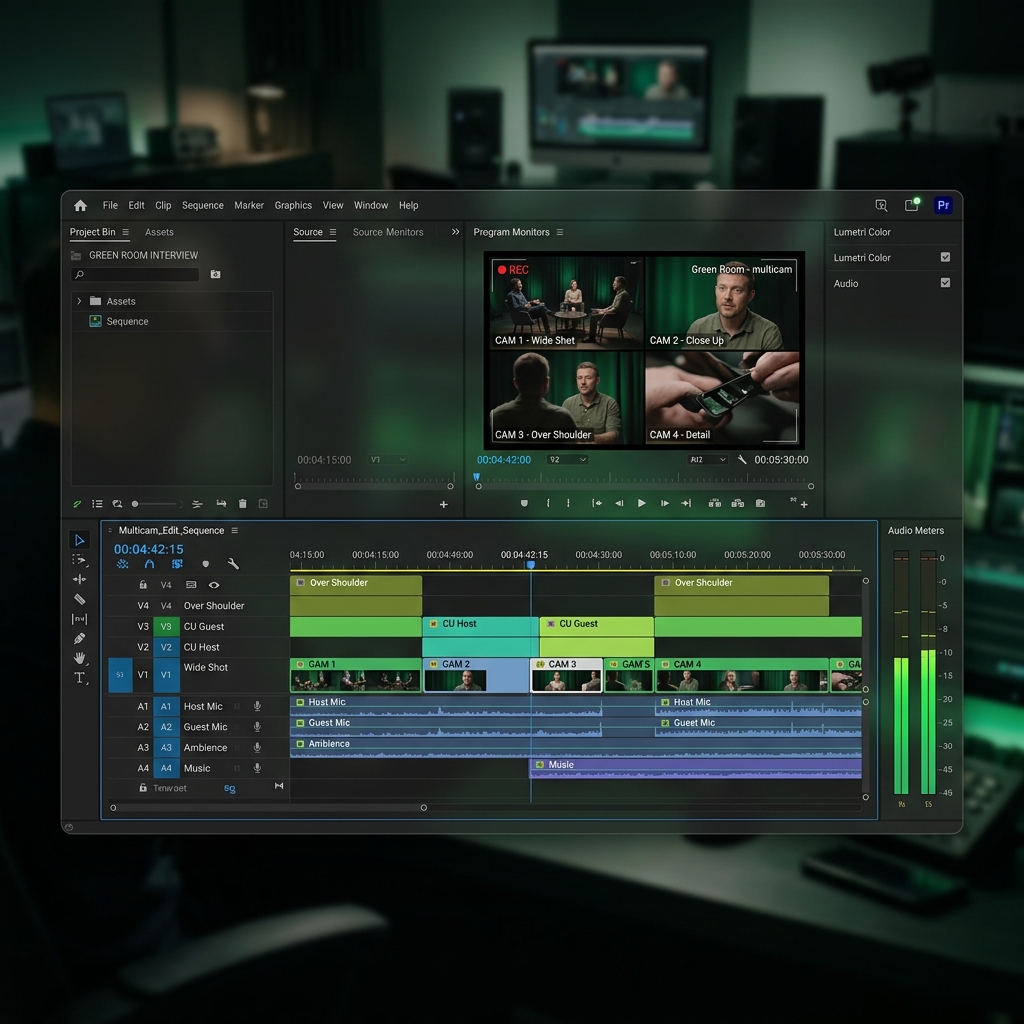
Podcast Multicam Studio analyzes your audio and switches camera angles based on the dominant speaker — so you can focus on telling great stories.

BEFORE $19.99 NOW $4.99
Limited time offer
Single payment only
Valid for 1 device at a time
Podcast Multicam Studio Interface
Podcast Multicam Studio Settings

Smart Editing for Modern Creators

Let AI handle the boring parts. You focus on content.

Audio-Based Camera Switching

Automatically cuts to the active speaker using advanced audio analysis.

100% Local Processing

Your files never leave your computer. Private, secure, and blazing fast.

Native Premiere Extension

Works seamlessly inside Adobe Premiere Pro. No exports. No hassle.

Saves Hours of Editing

Reduce your editing time from hours to minutes and deliver more, faster.

Get professional results in 6 simple steps

1

Download and unzip the file.

2

Control-click or right-click
install-macos.command.

3

Choose Open.

4

If macOS blocks it, go to System Settings > Privacy & Security and choose Open Anyway.

5

Restart Adobe Premiere Pro.

6

Go to Window > Extensions (Legacy) > Podcast Multicam Studio.

Every angle.
Every moment.
Perfectly in sync.

Ideal for multi-camera podcast recordings, interviews, roundtables, and remote conversations.

Podcast Recording Session

Seamless Integration

Designed to work where you already work.

Adobe Premiere Pro 2022 and newer

Podcast Multicam Studio is fully compatible with Adobe Premiere Pro versions starting from 2022 to the latest release.

Trusted by podcast creators

"

"This plugin is a game changer. It saves me so much time on every episode."

Alex R.

Podcast Producer
"

"Super easy to install and works flawlessly. The audio detection is surprisingly accurate."

Sarah M.

YouTuber
"

"Finally, a tool that just works inside Premiere. Worth every penny."

Jordan T.

Content Creator